
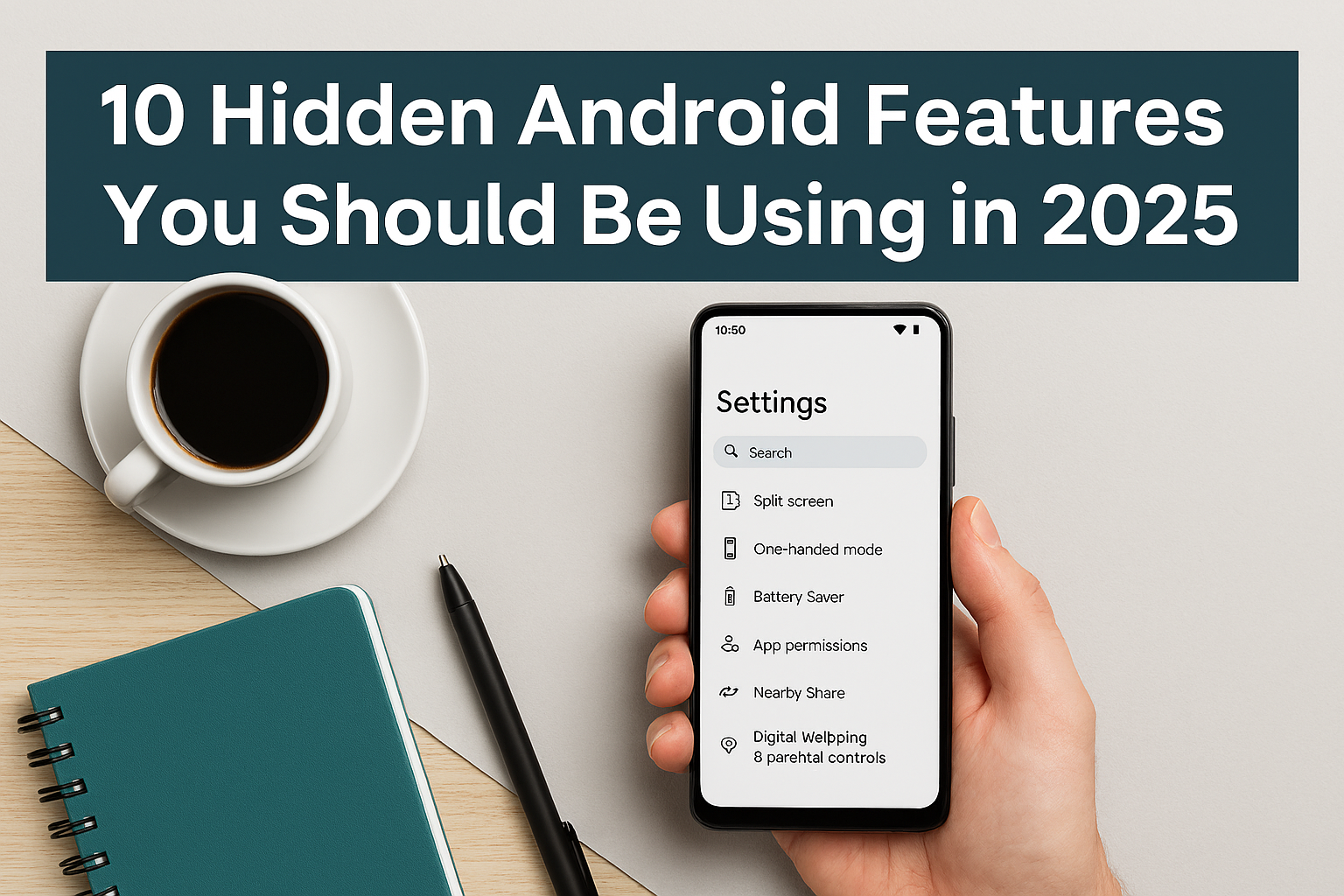
Android smartphones are packed with powerful features, but many users only scratch the surface. Whether you’re a tech enthusiast or just want to get more out of your phone, these hidden Android features will boost your productivity, privacy, and overall experience.
1. Split Screen Multitasking
Use two apps side-by-side—perfect for watching YouTube while replying to emails. Just swipe up, tap the app icon, and select “Split screen.”
2. One-Handed Mode
Struggling with large screens? Enable one-handed mode in Settings > System > Gestures. It shrinks the screen for easier thumb access.
3. Battery Optimization Settings
Go to Settings > Battery > Battery Usage to identify power-hungry apps. Use “Battery Saver” or “Adaptive Battery” to extend life.
4. App Permissions Control
Manage what each app can access. Go to Settings > Privacy > Permission Manager to revoke camera, location, or microphone access.
5. Nearby Share
Quickly share files, links, or apps with nearby Android devices—no internet required. It’s Android’s answer to Apple’s AirDrop.
6. Digital Wellbeing Dashboard
Track screen time, set app timers, and wind down before bed. Find it under Settings > Digital Wellbeing.
7. Gesture Navigation Tips
Swipe up to go home, swipe sideways to switch apps. Customize gestures in Settings > System > Gestures.
8. Hidden Developer Options
Unlock advanced settings like USB debugging or animation speed. Tap “Build Number” 7 times in Settings > About Phone.
9. Clipboard History
Some Android keyboards (like Gboard) let you access clipboard history. Long-press in a text field and tap “Clipboard.”
10. Smart Lock Features
Keep your phone unlocked in trusted locations or when connected to your smartwatch. Go to Settings > Security > Smart Lock.
Conclusion:
These features can transform how you use your Android device daily. Try them out and share your favorites in the comments!